
Website Accessibility
Ruhr University Bochum (RUB) is legally required to ensure digital accessibility. This applies not only to new web presences and websites, but also to those that have already been running for some time. Both programming and design of the website, as well as the editorial content, must contribute to achieving this goal.
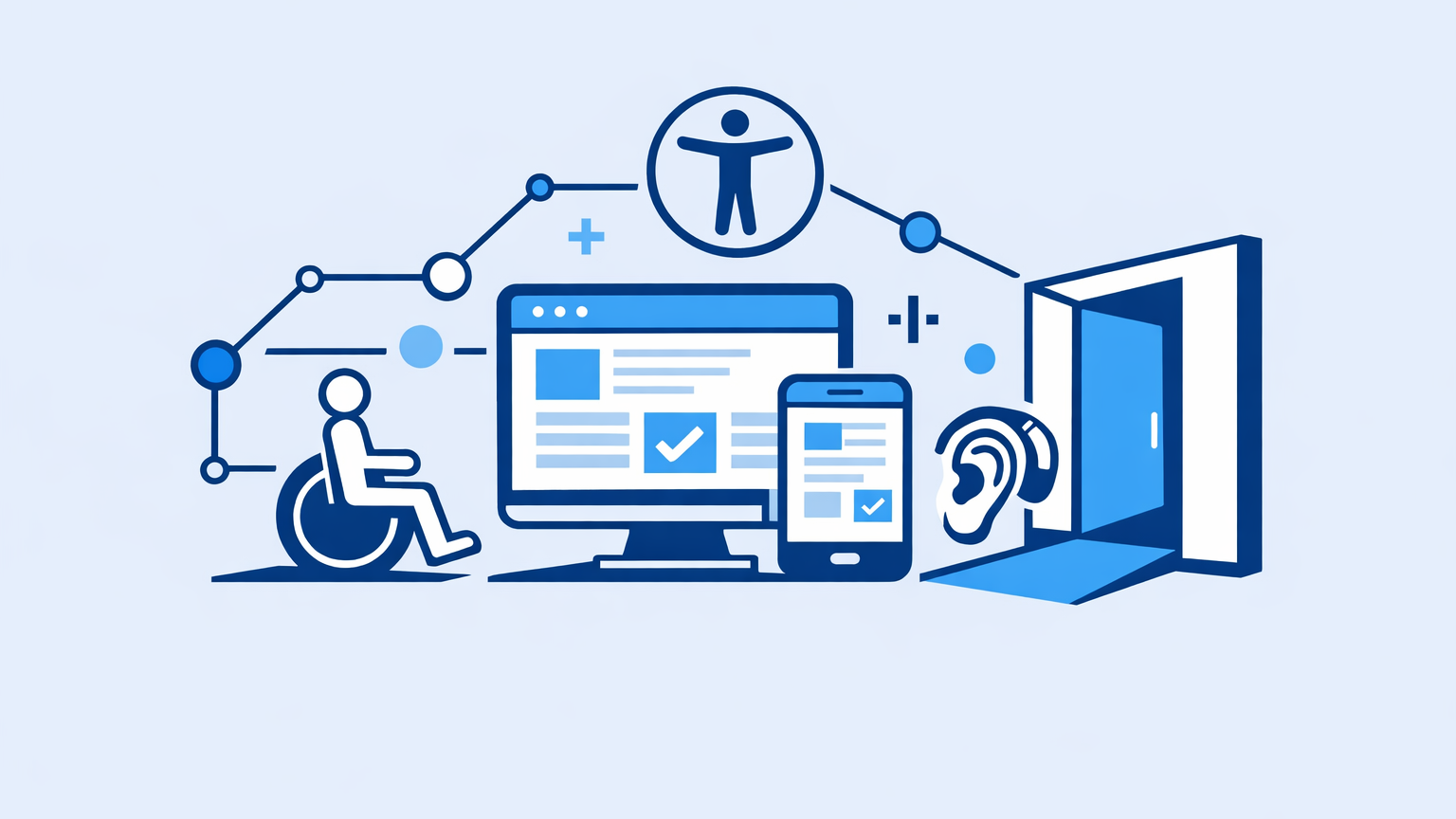
Accessible web design and programming are essential. Both usually need to be implemented at the start of a new website project. The software used to create websites generally supports digital accessibility as default.
In addition, it is essential that the website is filled with content by the editors in a way that ensures its accessibility from an editorial perspective.
The European Directive 2016/2102 governs barrier-free access
to websites.
Implementation of this directive at state level is governed by the BITVNRW,
which is based on the federal BITV 2.0, revised in 2019.
Basic Tips for Website Accessibility
The following basic tips on digital website accessibility for editors as well as website managers, developers, and designers provide an important foundation.
Tips for Development & Design
- It is recommended to use a common content management system –
at RUB, for example, Imperia. Many digital accessibility requirements are already built into CMS development.
- Use invisible skip links as a navigation aid.
Invisible skip links are recognised by screen readers and can be accessed by them.
- Ensure your website is responsive.
Many users visit RUB websites on mobile devices.
When designing, ensure accessible spacing, font sizes, and contrast.
Detailed Information, Tests, and Materials on the Topic
The Competence Center for Digital Accessibility for Universities in
North Rhine-Westphalia provides a wealth of information and guidance
on accessibility.
Editorial Tips
- Structure your web pages consistently.
Maintain heading hierarchies (H1, H2, H3, etc.).
- Always ensure correct spelling.
When creating texts, follow the writing rules/wording of RUB or your organisational unit/institution.
- Ensure that links are always up to date and working properly.
Replace outdated links or delete them; avoid redirect chains in links.
- Content should be presented on websites
instead of offering PDFs for download.
If you wish to provide PDFs online, they must be created in an accessible format
- Alt text for images and graphics is mandatory.
Purely decorative images and graphics, such as icons, horizontal dividing lines, the magnifying glass symbol in the search bar, etc., do not require alt text.
- Do not put text or information in graphics.
Provide a text alternative in the image description.
Testing & Consulting
- Get advice on digital accessibility.
The Agency for Online Communication (onlinekommunikation@ruhr-uni-bochum.de) is always happy to help with any questions about digital accessibility. Please contact us especially if you are creating a new website.
- Your website must be accessible and usable without aids – special tools or add-ons.
- Test your websites yourself.
For example, try using it without a mouse or set the zoom to an extreme level.
- Have new and existing websites checked for accessibility.
We recommend using the Siteimprove tool for this. Use the tool early on, especially when building a new website. A subsequent test by an external agency is optional.
Contact & Consulting
For further questions and advice on digital accessibility, please contact the Agency for Online Communication:
onlinekommunikation@ruhr-uni-bochum.de