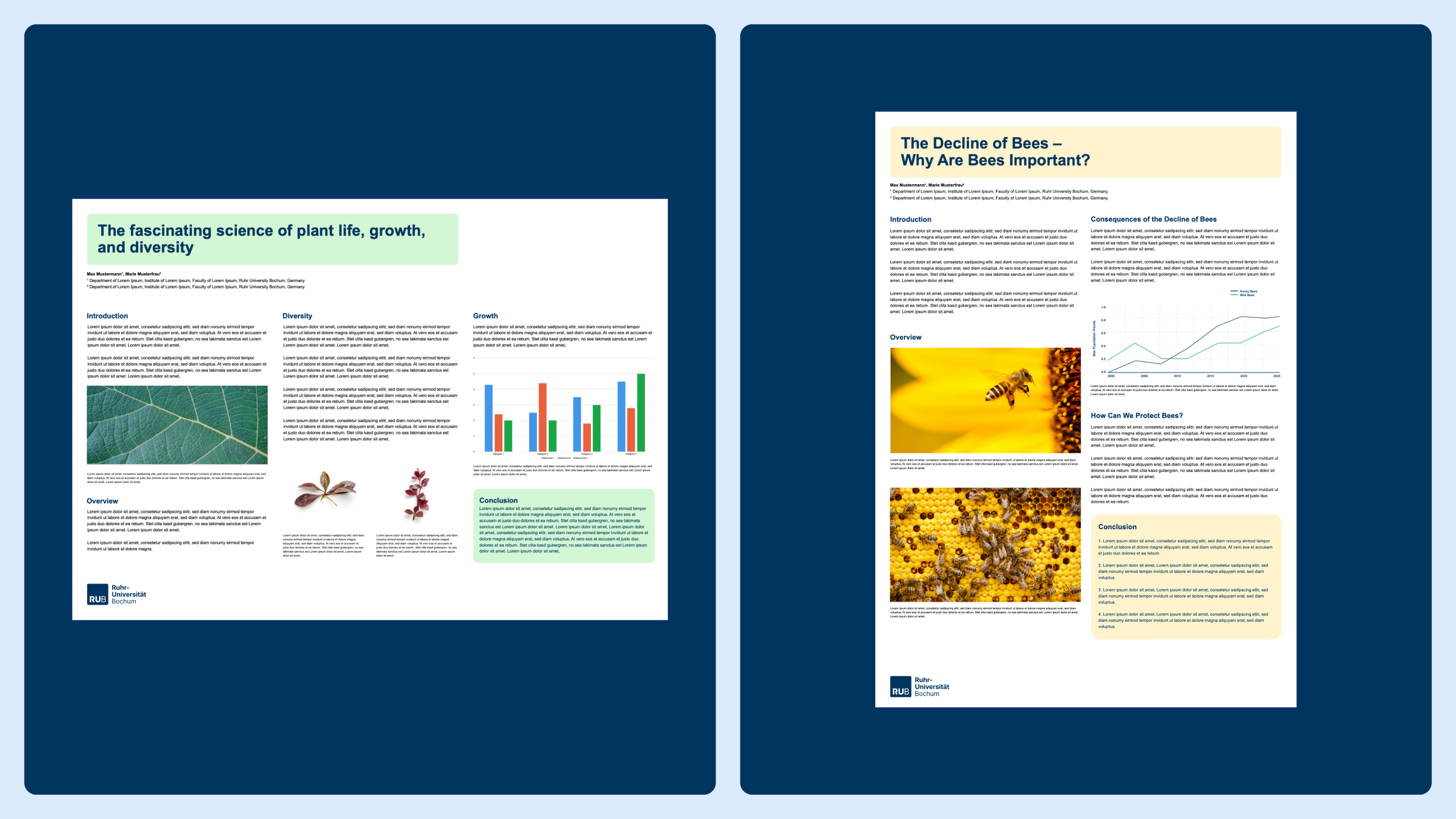
Scientific Posters
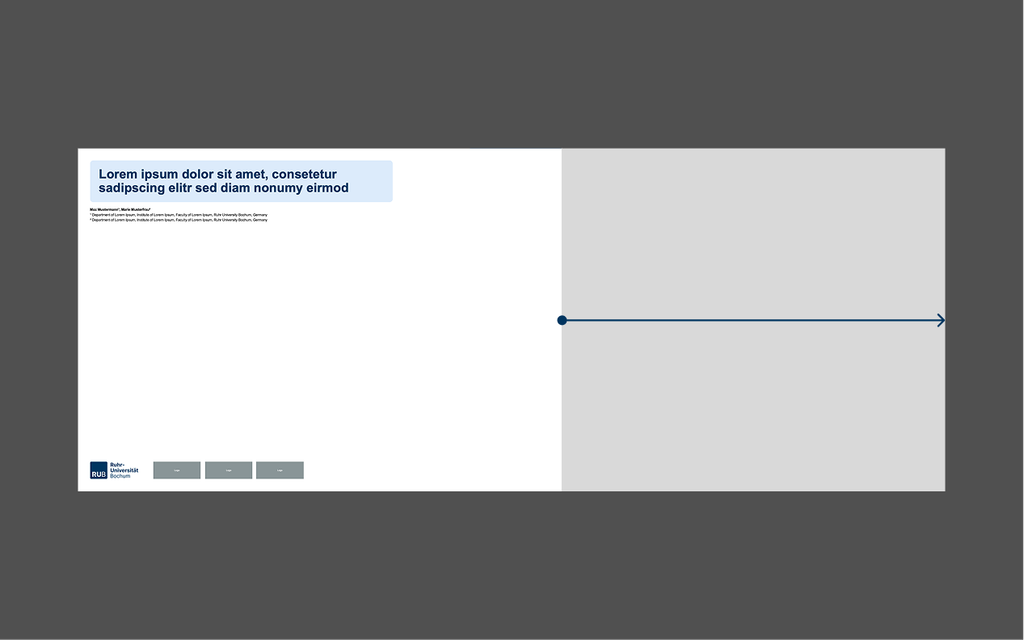
PowerPoint has become the standard format for scientific posters. The templates are designed so that the print center can print the posters either in A0 format or on continuous paper. For the latter, the format can be extended to the right.
For simplicity’s sake, the templates are designed using a light blue color scheme and can be modified.
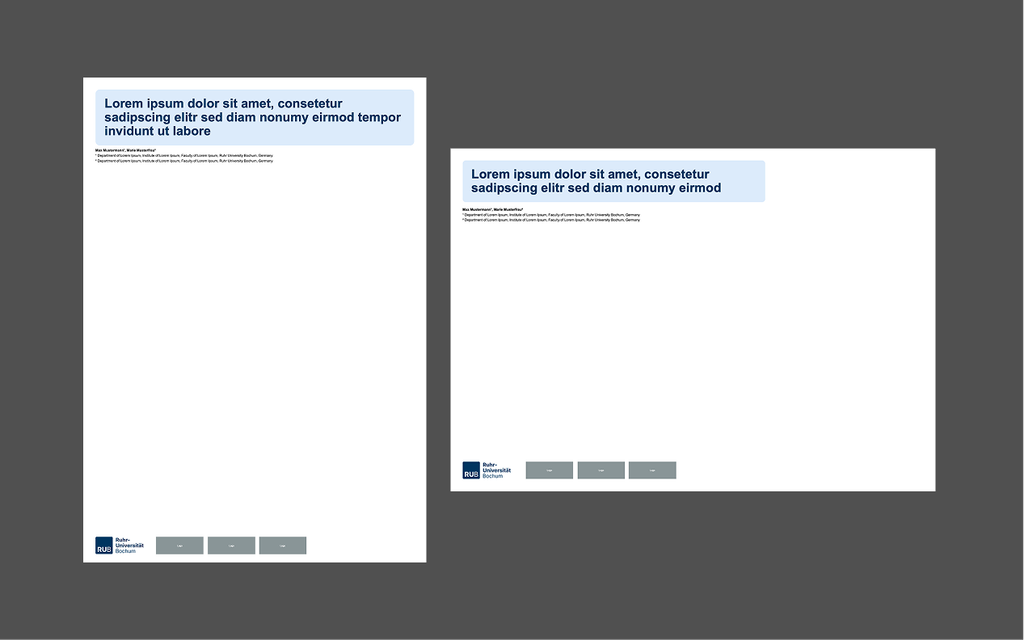
Logo Placement
We always place the logo in the lower-left corner with a minimum height of 17 mm. Additional logos may be placed next to it—for example, those of partners or sponsors. For more information, see the section “Logo Alongside Partner Logos” in the Logo chapter.
Community Templates
Community Templates: We have set up a chat and a project folder for sharing templates with other programs. You can share templates you’ve created yourself here.
Note: These templates are not official and are not reviewed by the University Communications Office.
Go to the Chat section (university login credentials required)

Design Examples